

Accepting AI's First Answer Is Bad For Your Code
When AI suggests an approach, your immediate thought should be “What else exists?” instead of “Let me implement this.”

When you ask a waiter “What’s good?”, they point to the most popular dish. The safe recommendation that works for most customers, regardless of your taste.
AI does the same thing when you ask it to solve a technical problem. It surfaces the pattern that appears most frequently in its training data. The approach from thousands of tutorials. The solution that statistically safest to suggest.
That popular solution might not fit your constraints at all.


Why AI Defaults to Generic Answers
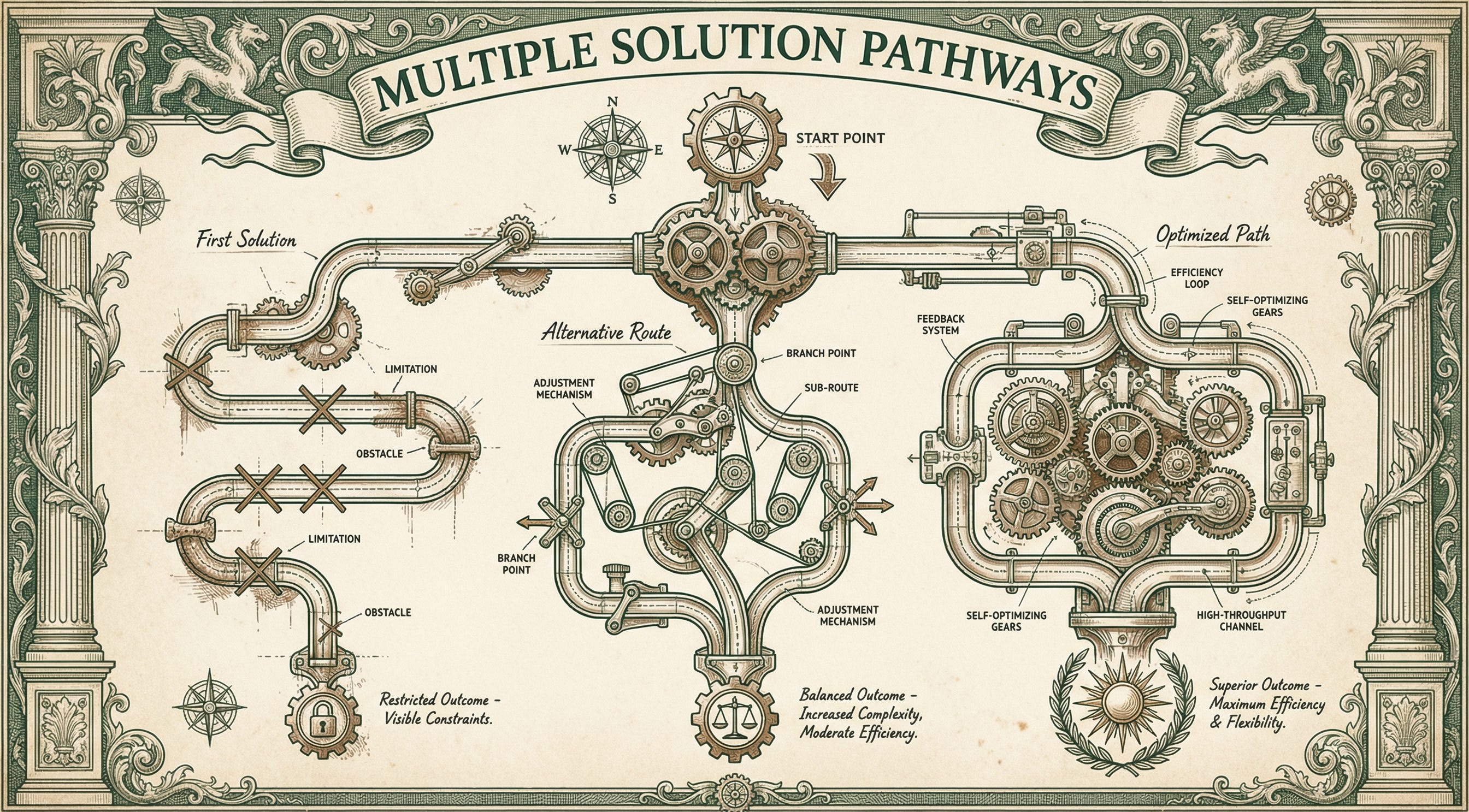
AI generates code through pattern matching. Ask how to validate form data, and you get the approach used in thousands of Stack Overflow answers.
Even when you give AI full context about your codebase, it still defaults to the most common pattern first. It optimizes for statistical safety over contextual fit. The model recognizes “form validation” and surfaces the approach seen most often, regardless of whether batch processing or real-time validation better matches your production constraints.
Experienced developers work differently. Before writing code, they mentally sketch multiple approaches while considering edge cases, production constraints, and creative alternatives that might reuse existing infrastructure.
Every technical decision involves trade-offs. When you accept the first idea, you miss better options that actually fit your situation.
What Determines the Right Answer
Your constraints determine which solution works.
Timeline — Are you shipping a client demo Friday or building infrastructure that runs for years?
Scale — Are you processing 10 requests daily or handling 1,000 concurrent users?
Infrastructure — What systems already exist that you could repurpose?
Maintenance burden — Who maintains this code six months from now?
AI won’t evaluate these factors unless you explicitly ask it to compare options. It suggests the highway route because “that’s what most people take,” without knowing you need the back roads that guarantee arrival time.
The Cost of Accepting First Answers
You ship the feature. Two days later, intermittent timeouts appear in production.
You spend six hours debugging and trace the issue to individual API calls where batch processing would have prevented the problem entirely. You never saw the alternative approach because AI gave you the pattern it sees most often in tutorials, not the one that handles your data volume gracefully.
The fragile solution ships when a more stable option accomplishes the same goal.
In the end, you end up burning hours debugging problems that only exist because you chose the wrong architecture.
How to Force Better Thinking
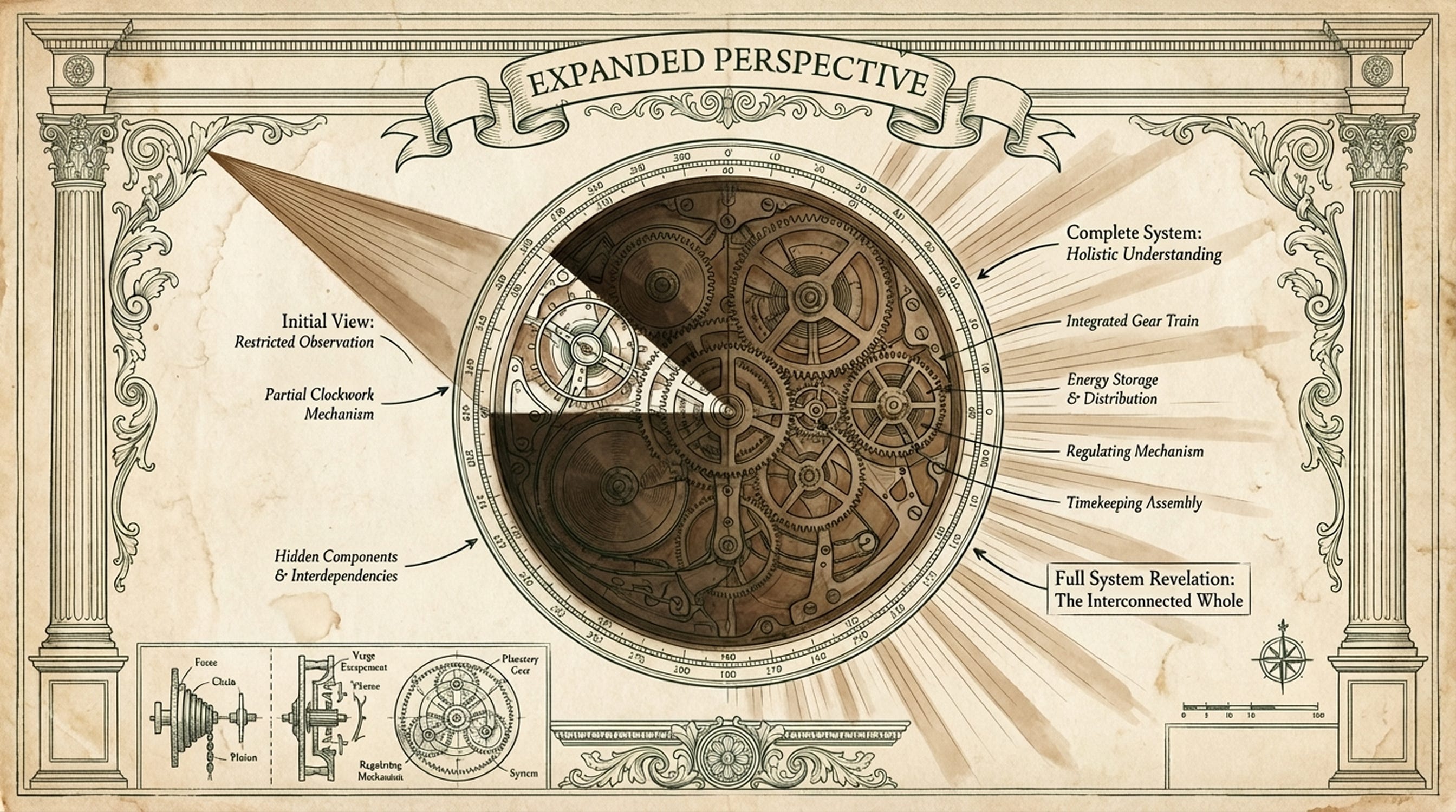
Whenever AI presents a solution, pause before you implement it.
Ask: “Show me different approaches with trade-offs.“
Be specific about what matters: “Compare maintenance burden versus implementation speed.”
Watch how AI structures the response. The quick version uses minimal code and gets functionality working fast but might break under edge cases. The robust version handles errors gracefully and scales to production load but introduces more complexity. The creative version finds unconventional approaches that solve the problem differently.
That third option will often surprise you. AI might suggest batch processing your requests, using a queue system you already have, or restructuring data flow so you make one call instead of hundreds.
When AI Gives You Generic Options
If AI provides variations of the same basic approach, push back.
Ask for fundamentally different architectures: “These all use the same pattern. Show me completely different ways to solve this like processing in batches versus real-time, or using a queue versus direct calls.”
If trade-offs are unclear, ask explicitly: “What do I gain and give up with each approach?”
This pattern works beyond initial feature building. Use the same prompt when you’re refactoring existing code.
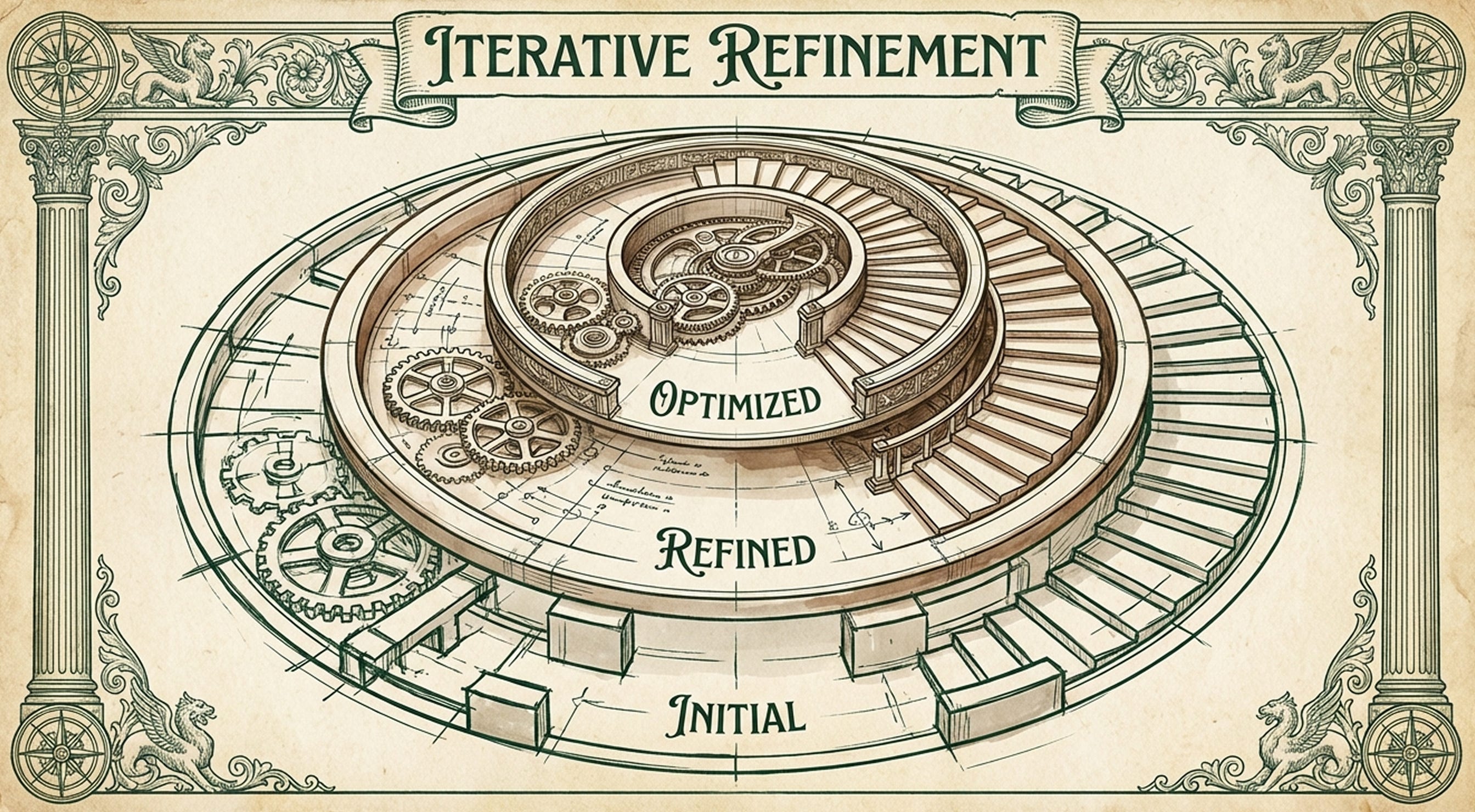
The principle is the same, you need to get multiple perspectives, understand what you’re trading, then choose based on what actually matters for your situation.
Prompt For A Better Architectural Solution
Copy this prompt structure and use it every time AI gives you an architectural solution:
Show me different approaches for [feature/problem]:

Quick version (minimal complexity, MVP-ready)
Robust version (production-ready, handles edge cases)
Creative version (unconventional or reuses existing infrastructure)

For each approach, explicitly state:

- What it optimizes for?
- What trade-offs I’m making?
- When I’d choose this over the others?
- What breaks first when this approach fails?
This structure forces AI past its default instinct to give you the most popular answer. Plus, the explicit trade-off request transforms your decision-making from implicit guesswork to transparent evaluation.


When It Actually Matters
Not every decision needs multiple options.
You should stick with AI’s first suggestion and move on for things like button colors, padding and margin, variable names or even simple utility functions.
Save this technique for architectural decisions that shape how your code works:
Structuring state management;
Planning error handling strategies;
Choosing which API pattern to use;
Deciding between client-side and server-side rendering;
Selecting data flow patterns (polling vs webhooks vs server-sent events);
These decisions ripple through your codebase.
When you get them right the first time, you prevent days of refactoring when reality does not match your assumptions.
This Should Become Instinct
Stop accepting first answers reflexively and start recognizing architectural decisions before you (use AI to) write code.
When AI suggests an approach, your immediate thought should be “What else exists?” instead of “Let me implement this.”
Build features that fit production constraints instead of tutorial constraints. Your code works reliably because you chose the architecture that matches your actual traffic patterns and infrastructure.
The five minutes up front stop feeling like extra work, rather make you feel and ACT as a software architect.
This Week’s Discovery - PixelLab
I just adore this tool! It generates pixel art sprites and keeps them visually consistent across animations and rotations. You describe what you want (”walking animation” or “attack motion”) and it outputs sprite sheets that actually match your game’s style instead of giving you random variations like most image AI does.
I’m not building a game, but when and if I will then I’ll definitely give it a try. Maybe I’ll even use it for a website or app, who knows. Check them out at pixellab.ai.

Related Posts



Let’s Connect
Do you accept AI’s first solution and build it, or do you ask for alternatives before you commit to code?
Reply and tell me about a time comparing options saved you from shipping the wrong architecture, or a time you wish you’d seen the alternatives before building.
Wonderful guidance and very consistent with my lived experience as a newish developer!